
Keep time with precise local playback
Run a low-latency metronome with BPM controls, tempo names, visual beat indicators, SoundPool clicks, subdivision playback, measure accents, and optional count-in.

Music
Metrivo is a local-first Android metronome for musicians, practice sessions, lessons, and rhythm work. It includes precise BPM control, tap tempo, beat indicators, multiple time signatures, subdivisions, first-beat accents, count-in, sound and vibration options, foreground background playback, keep-awake behavior, responsive phone and tablet layouts, local settings, privacy and about dialogs, and no account, analytics, advertising, tracking, Internet permission, or remote storage.
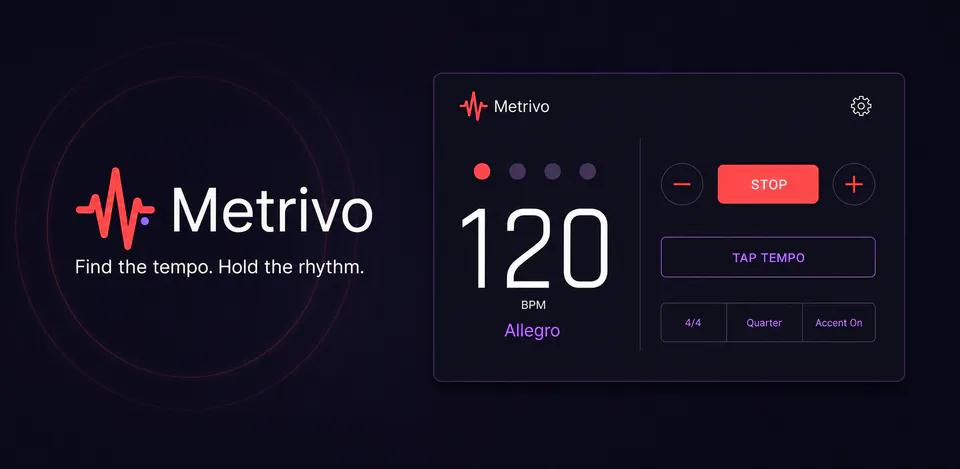
Why Metrivo
Run a low-latency metronome with BPM controls, tempo names, visual beat indicators, SoundPool clicks, subdivision playback, measure accents, and optional count-in.
Use a full-screen tap tempo surface that calculates tempo from recent valid taps, then apply the result back to the main metronome.
Choose time signatures, subdivisions, click sounds, volume, vibration, themes, haptics, reduced motion, restore behavior, and background playback while preferences stay on the device.
A local-first metronome with accurate click scheduling, tap tempo, BPM controls, time signatures, subdivisions, accents, count-in, foreground playback, haptics, themes, and no account, ads, analytics, tracking, advertising ID, Internet permission, or remote storage.

Android workflow
Large tempo numbers, beat dots, start/stop, tap tempo, and quick beat setup controls stay readable across phones, tablets, portrait, and landscape.
Metrivo screens


Metrivo quality
Run a low-latency metronome with BPM controls, tempo names, visual beat indicators, SoundPool clicks, subdivision playback, measure accents, and optional count-in.
Metrivo privacy
Metrivo has a dedicated policy describing local storage, permissions, online services, account features, and deletion controls that apply to the product.
What’s new
Metrivo updates and fixes are shared here when release notes are available.
View all updates arrow_forwardTechnical information
Need help?
Include your device model, Android version, app version, and screenshots when possible.
Open supportEmail supportMore apps you might like

A retail catalog and inventory app for Jeaneth Store with customer browsing, cart flows, admin orders, and stock control.

A local Android sound toolkit for playback enhancement, equalizer presets, speaker checks, and private audio tests.

A timing-instinct game where the challenge is stopping as close to 10.00 seconds as possible.