
Clean signatures locally
Import a signature from the gallery or camera, review image quality, crop or straighten the source, remove the background, and refine edges on the device.

Productivity
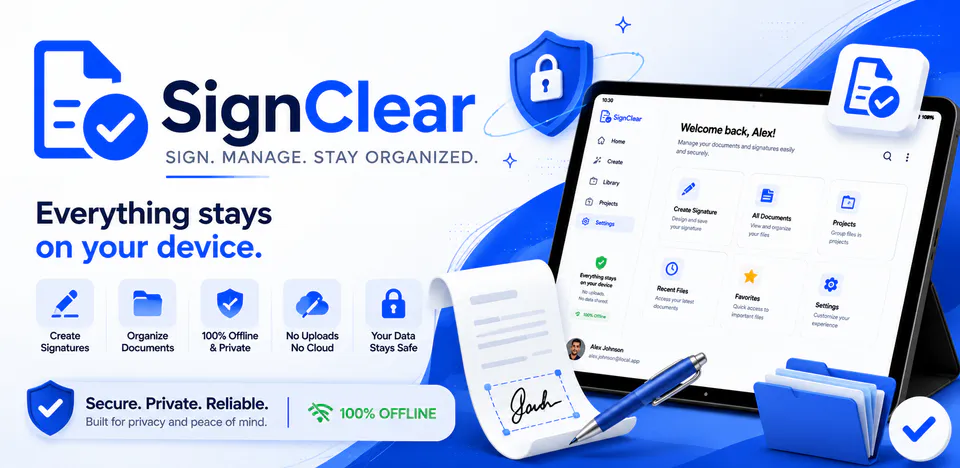
SignClear is built for people who need to clean paper signatures, save reusable signature assets, and place signatures on documents without sending personal files to a server. The app direction centers on local image import, full-resolution camera capture, crop and straighten tools, background cleanup, manual erase or restore refinement, transparent exports, a local signature library, and image or PDF signing flows.
Why SignClear
Import a signature from the gallery or camera, review image quality, crop or straighten the source, remove the background, and refine edges on the device.
Prepare transparent PNG, JPG, or WebP outputs with size and appearance controls so signatures can be reused in forms, records, and everyday document workflows.
Use a saved or freshly cleaned signature on image documents or PDF pages, then export the finished document through local Android storage and sharing tools.
A local-first signature cleanup app with gallery and camera import, background removal, manual refinement, transparent exports, saved signatures, and document signing workflows.

Android workflow
Choose a signature image, capture a new one, and validate quality before moving into cleanup.
SignClear screens


SignClear quality
Import a signature from the gallery or camera, review image quality, crop or straighten the source, remove the background, and refine edges on the device.
SignClear privacy
SignClear has a dedicated policy describing local storage, permissions, online services, account features, and deletion controls that apply to the product.
What’s new
SignClear updates and fixes are shared here when release notes are available.
View all updates arrow_forwardTechnical information
Need help?
Include your device model, Android version, app version, and screenshots when possible.
Open supportEmail supportMore apps you might like

A retail catalog and inventory app for Jeaneth Store with customer browsing, cart flows, admin orders, and stock control.

A local Android sound toolkit for playback enhancement, equalizer presets, speaker checks, and private audio tests.

A precise Android metronome for tempo practice, tap tempo, beat setup, and background playback.