

Capture photos and videos quickly
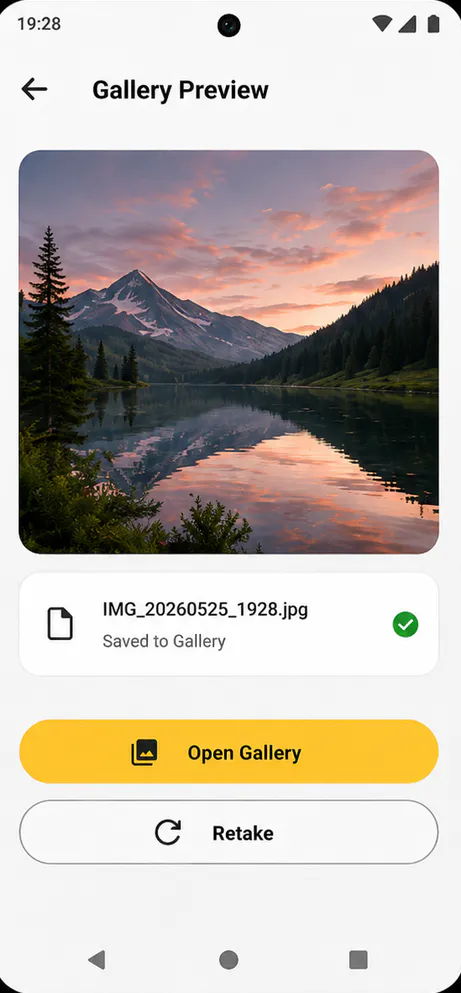
Switch between photo and video modes with native camera preview, front or back camera support, flash or torch controls, timer options, and fast local saves.

Photography
Fast Camera is a lightweight native Android camera app built for quick photos and videos. The reviewed project uses CameraX, local MediaStore saves, device capability checks, and offline-first settings so capture stays close to the phone instead of an account or cloud workflow.
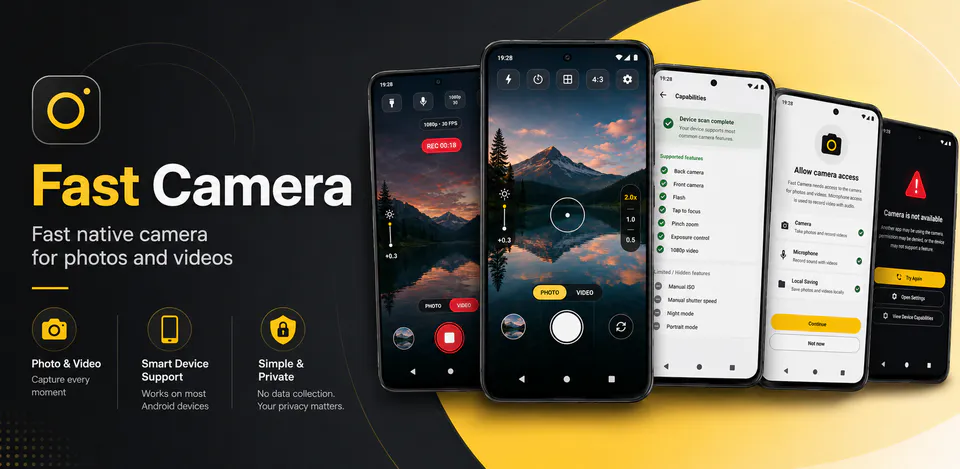
Fast Camera viewfinder
Switch between photo and video modes with native camera preview, front or back camera support, flash or torch controls, timer options, and fast local saves.
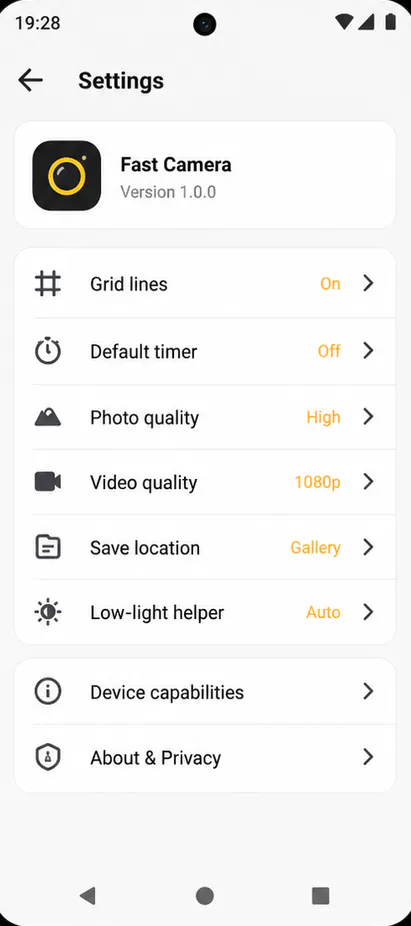
Tap to focus, pinch to zoom, adjust exposure, use grid lines, pick quality settings, and let unsupported features stay hidden or safely limited on each phone.
Captured photos and videos are saved through Android MediaStore, while settings such as grid, timer, quality, audio, safe mode, and presets stay on the device.
An offline camera app for fast photo capture, video recording, device-aware controls, and local media storage.
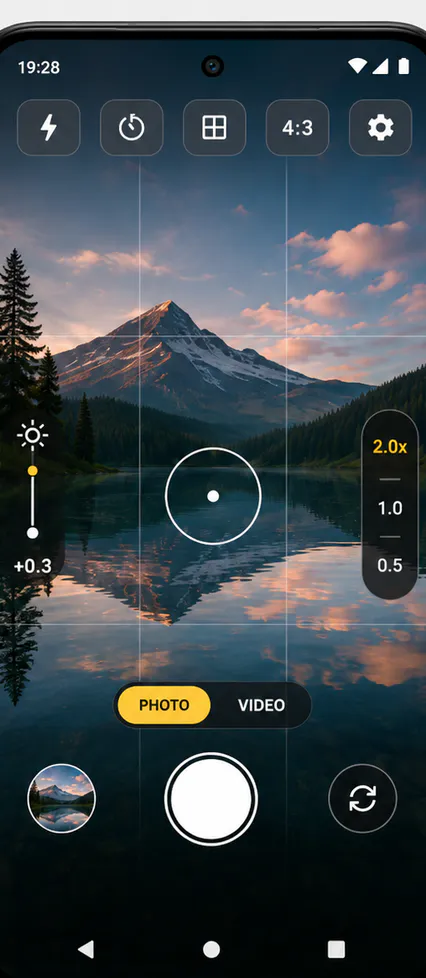
Camera controls
Fast Camera keeps photo, video, aspect ratio, WebP, Motion Photo, flash, timer, zoom, focus, exposure, and local save behavior tied to the capture screen.
Fast Camera screens
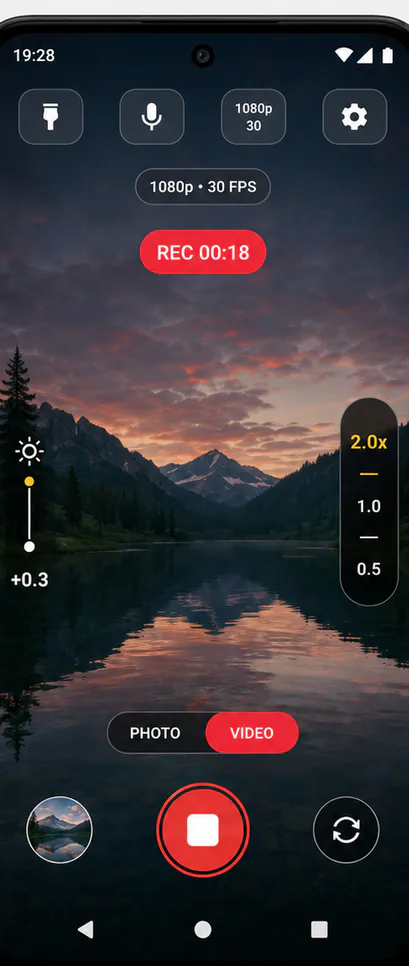
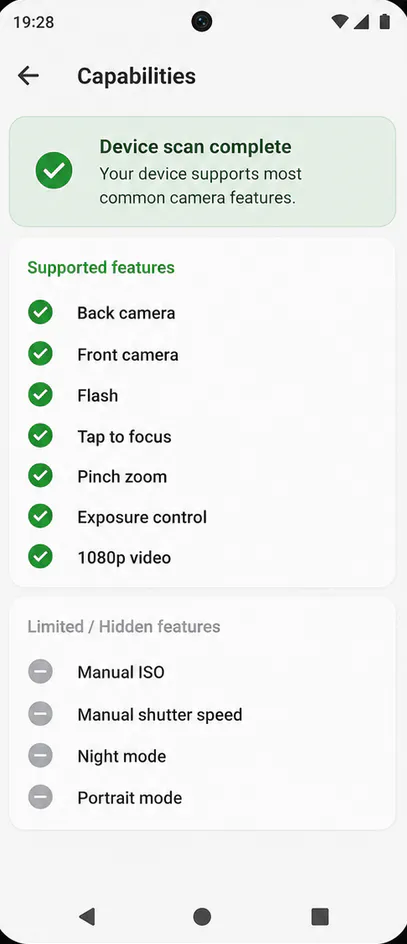
Device camera behavior
The live release notes call out matching live preview framing, WebP support, Motion Photo toggles, photo capture while recording on supported devices, and tall-display improvements.
Fast Camera privacy
Fast Camera uses camera access for capture and Android media storage for saved photos and videos. Google Play's data safety section for the live listing states no data is shared with third parties and no data is collected.
What’s new
Fast Camera 1.2.2 added 3:4, 9:16, 1:1, and Full aspect ratios with matching live preview framing, WebP photo support, a Motion Photo toggle, recording-time capture on supported devices, and improved full-screen behavior for tall displays including Samsung A36.
View all updates arrow_forwardTechnical information
Need help?
Include your device model, Android version, app version, and screenshots when possible.
Open supportEmail supportMore apps you might like

A retail catalog and inventory app for Jeaneth Store with customer browsing, cart flows, admin orders, and stock control.

A local Android sound toolkit for playback enhancement, equalizer presets, speaker checks, and private audio tests.

A precise Android metronome for tempo practice, tap tempo, beat setup, and background playback.