
Choose winners from real touches
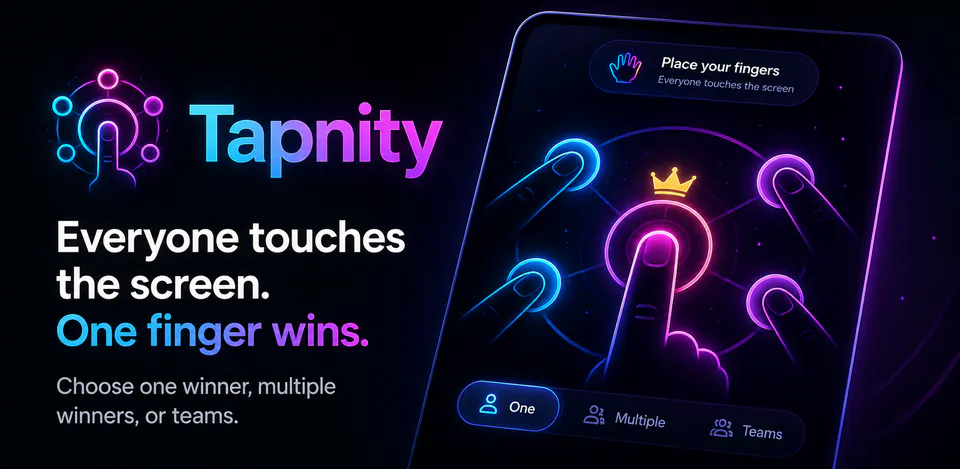
Everyone places one finger on the screen, keeps still during the timer, and Tapnity selects one or more winners.

Games
Tapnity is a local-first finger chooser for groups that need a fast, visual way to select one winner, multiple winners, or balanced teams. It includes multi-touch detection, temporary finger positions, stability and countdown timers, winner and team results, confetti, haptics, sound, tips, onboarding, and theme settings without accounts, advertising, analytics, or network permission.
Why Tapnity
Everyone places one finger on the screen, keeps still during the timer, and Tapnity selects one or more winners.
Team mode assigns participating fingers across supported team counts for quick group splitting.
Finger positions are processed in memory during the active round and are not stored after the result is cleared.
A neon finger-chooser app that selects one winner, multiple winners, or balanced teams using temporary multi-touch input, local preferences, and no network access.

Android workflow
The app detects supported touches and waits for stable positions before starting the countdown.
Tapnity screens


Tapnity quality
Everyone places one finger on the screen, keeps still during the timer, and Tapnity selects one or more winners.
Tapnity privacy
Tapnity has a dedicated policy describing local storage, permissions, online services, account features, and deletion controls that apply to the product.
What’s new
Tapnity updates and fixes are shared here when release notes are available.
View all updates arrow_forwardTechnical information
Need help?
Include your device model, Android version, app version, and screenshots when possible.
Open supportEmail supportMore apps you might like

A retail catalog and inventory app for Jeaneth Store with customer browsing, cart flows, admin orders, and stock control.

A local Android sound toolkit for playback enhancement, equalizer presets, speaker checks, and private audio tests.

A precise Android metronome for tempo practice, tap tempo, beat setup, and background playback.